Managed Services
Provision and attach databases, caches, and message brokers to your apps with a single command.
Slasha runs managed services in isolated containers on the same host as your applications. They are instantly accessible over the private network, ensuring high performance and security.
Supported Services
Each service type ships with a set of environment variables auto-generated on the service container when you provision it. These are the exact keys you reference from your app via interpolation (e.g. ${{ db.DATABASE_URL }}).
PostgreSQL
Managed relational database. Versions 13, 14, 15, 16, 17.
POSTGRES_USERPOSTGRES_PASSWORDPOSTGRES_DBPORTDATABASE_URL— e.g.postgres://user:password@host:port/dbname
MySQL
Managed relational database. Versions 8.0, 8.4, 9.0.
MYSQL_USERMYSQL_PASSWORDMYSQL_DATABASEMYSQL_ROOT_PASSWORDPORTDATABASE_URL— e.g.mysql://user:password@host:port/dbname
MongoDB
Managed document database. Versions 6.0, 7.0, 8.0.
MONGO_INITDB_ROOT_USERNAMEMONGO_INITDB_ROOT_PASSWORDMONGO_INITDB_DATABASEPORTDATABASE_URL— e.g.mongodb://user:password@host:port/dbname?authSource=admin
Redis
Managed in-memory cache and message broker. Versions 7.0, 7.2, 7.4.
REDIS_PASSWORDPORTDATABASE_URL— e.g.redis://default:password@host:port
How to Connect
When you provision a service, Slasha generates secure credentials and connection strings as environment variables inside the service container.
Step 1: Provision the Service
Create a new service and attach it to your app using the CLI:
slasha provision --app my-app --kind postgresql --name db --version 16Step 2: Inject Variables into your App
Service variables are not automatically injected into your app for security reasons. You must explicitly reference them in your app’s environment variables using interpolation:
# Set a DATABASE_URL for your app that points to the 'db' service
slasha env set DATABASE_URL='{"${{ db.DATABASE_URL }}"}'
Learn more about this in our Environment Variables guide.
Persistent Data
All managed services use persistent Docker volumes. This means your data is safe even if the service container is restarted or redeployed.
- PostgreSQL:
/var/lib/postgresql/data - MySQL:
/var/lib/mysql - MongoDB:
/data/db - Redis:
/data
Provisioning & Health Checks
When you provision or redeploy a service, Slasha pulls the required image, starts the container, and waits for it to report healthy. The health check timeout is 180 seconds — if the container isn’t healthy within that window, provisioning fails and the container is stopped.
Managing Services via UI
You don’t have to use the CLI for everything. The Slasha dashboard provides a visual interface for managing your backing services.
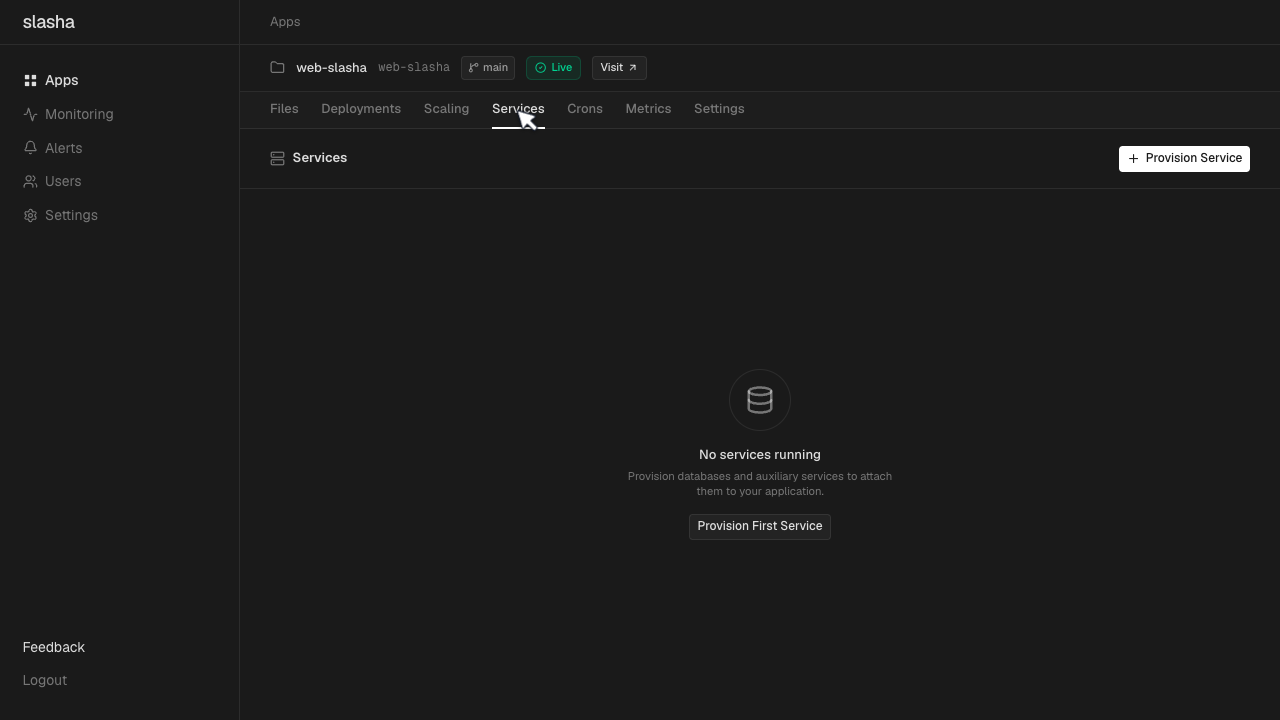
Navigate to your app and open the Services tab. Here, you can provision new databases or caches, view connection credentials, and restart containers without dropping into the terminal.
Local Development & Backups
Secure Tunnels
Services are isolated and not exposed to the internet. To connect from your local machine (e.g., using TablePlus or DBeaver), use the proxy command:
slasha services proxy db --port 5432Backups
You can easily export a data dump from any running service:
slasha services backup db --file backup.sqlRestart vs Redeploy
- Restart: Simply stops and starts the container. Use this for quick reboots.
- Redeploy: Destroys the container and creates a fresh one. Use this if you’ve changed the version or configuration. Your data volumes remain intact.