Environment Variables
Configure your apps and services securely using environment variables. Slasha supports powerful interpolation to help you build dynamic configurations.
Managing Variables
You can manage environment variables securely from the Settings tab in the web dashboard, which provides a familiar .env file editing experience.
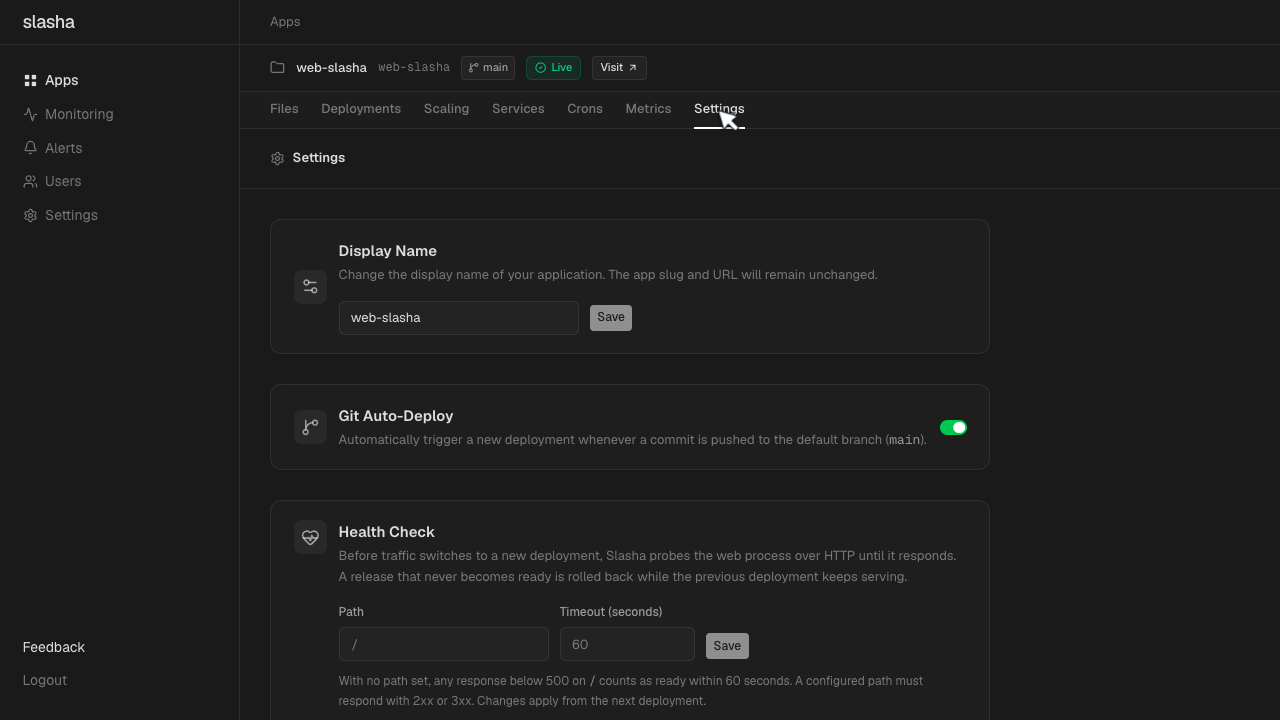
Alternatively, you can manage them directly from the CLI:
# Set a single variable
slasha env set API_KEY=secret_value

# Set multiple variables
slasha env set DEBUG=true PORT=3000
Variable Interpolation
Slasha lets you reference other variables using the ${{ VAR_NAME }} syntax. This is useful for building connection strings or sharing configuration across services.
# Use one variable to define another
slasha env set API_BASE=api.example.com
slasha env set API_URL=https://{"${{ API_BASE }}"}/v1
System Variables (SLASHA)
Access platform-level information using the SLASHA namespace:
${{ SLASHA.data_dir }}: The persistent storage path (resolves to/data).${{ SLASHA.app_slug }}: The URL-safe slug of the app.${{ SLASHA.app_name }}: The display name of the app.${{ SLASHA.app_id }}: The unique system identifier of the app.${{ SLASHA.app_container_name }}: The runtime container name of the app’s primary web process.${{ SLASHA.network_name }}: The name of the internal Docker bridge network.
Service Variables
When you attach a managed service (like a database), you can reference its values using the service’s name as the namespace. This is how you build connection strings and wire integrations:
- Hostname: the internal network hostname via
${{ <service>.service_container_name }}— e.g.${{ db.service_container_name }}. - Port: the internal port via
${{ <service>.PORT }}— e.g.${{ db.PORT }}. - Credentials & URL: any variable the service kind exposes — e.g.
${{ db.DATABASE_URL }},${{ db.POSTGRES_USER }}, or${{ redis.REDIS_PASSWORD }}.
Note: Service variables are not automatically injected into your app. You must map them yourself using interpolation.
# Map a database URL from a service named 'db'
slasha env set DATABASE_URL='{"${{ db.DATABASE_URL }}"}'

# Build a custom connection string for a service named 'redis'
slasha env set CACHE_URL='redis://default:{"${{ redis.REDIS_PASSWORD }}"}@{"${{ redis.service_container_name }}"}:{"${{ redis.PORT }}"}'
Service Environment Interpolation
Services support interpolation in their own environment too. When provisioning a service, you can reference other variables set on it with ${{ VAR_NAME }}, or reference platform details under the SLASHA namespace:
${{ SLASHA.service_container_name }}: The container name of the service.${{ SLASHA.service_id }}: The unique system identifier of the service.${{ SLASHA.service_name }}: The display name of the service.${{ SLASHA.app_id }}: The identifier of the app the service is attached to.${{ SLASHA.network_name }}: The internal bridge network shared by the app and service.
Injected Variables
Slasha automatically injects certain variables into your application at runtime:
- PORT: The port your app should listen on (defaults to
8080). - SLASHA_DATA_DIR: The path to your persistent volume (defaults to
/data).
For more details on managing variables via the terminal, see the CLI Reference.